-1.png?width=200&height=38&name=Untitled%20design%20(14)-1.png)
Some users may encounter a "Property Not Found" error when clicking on shortlinks generated by Properti (e.g. https://proply.link/abc123). This usually happens when the agency or brand’s main website isn’t set up to recognise and redirect these links to the correct property listing.
🧩 Problem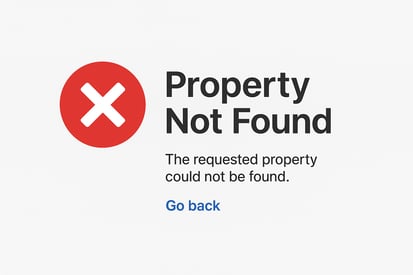
-
A listing is posted through Properti with a generated shortlink.
-
When clicked, the shortlink leads to a "Property Not Found" error.
-
The issue affects all shortlinks for the office or group, not just a single property.
✅ Cause
This error occurs when the redirection settings on the agency or brand’s main website are not correctly configured to handle Properti’s shortlink structure.
-
These redirect rules are usually managed at the Head Office or corporate level, not by individual offices.
🛠 Solution – Action Required by Head Office
To fix the issue:
-
Head Office (or the group’s web development team) needs to review and update the redirect setup on the main website.
-
The website should be configured to correctly interpret Properti’s shortlink format and route it to the corresponding listing page.
-
Once updated, Properti’s support team can help confirm the expected link structure and assist with testing to ensure redirects work correctly.
📌 Important Notes
-
This is not a bug within the Properti platform or an office-level configuration issue.
-
If your office is affected, please escalate this to your Head Office or website administrator so they can make the necessary changes.
-
Properti support is available to collaborate with your Head Office to validate and test the updated setup.